You can cancel a workflow run, including all jobs and steps, that is in progress.
Canceling a workflow run
On GitHub, navigate to the main page of the repository.
Under your repository name, click Actions.
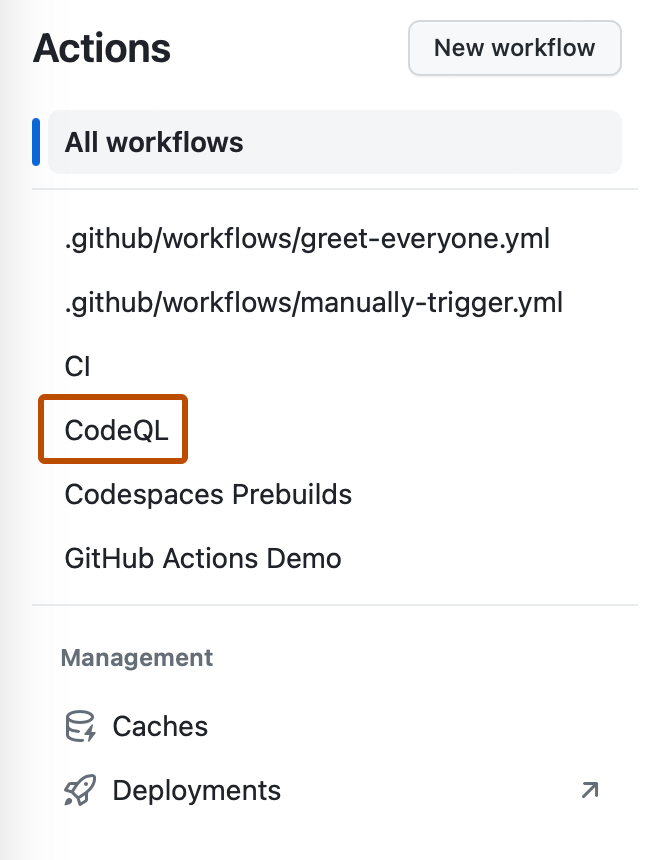
In the left sidebar, click the workflow you want to see.
From the list of workflow runs, click the name of the queued or in progress run that you want to cancel.
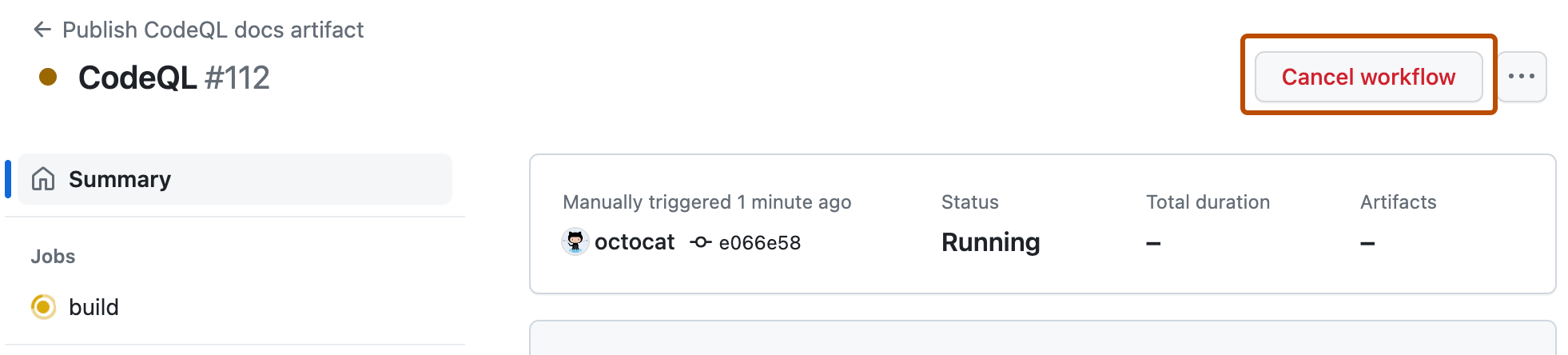
In the upper-right corner of the workflow, click Cancel workflow.
Next steps
To learn about the process GitHub uses to cancel a workflow run, as well as the ways you can free up related resources, see Workflow cancellation reference.