On GitHub, navigate to the main page of the repository.
Under the repository name, click the Security and quality tab. If you cannot see the " Security and quality" tab, select the dropdown menu, and then click Security and quality.
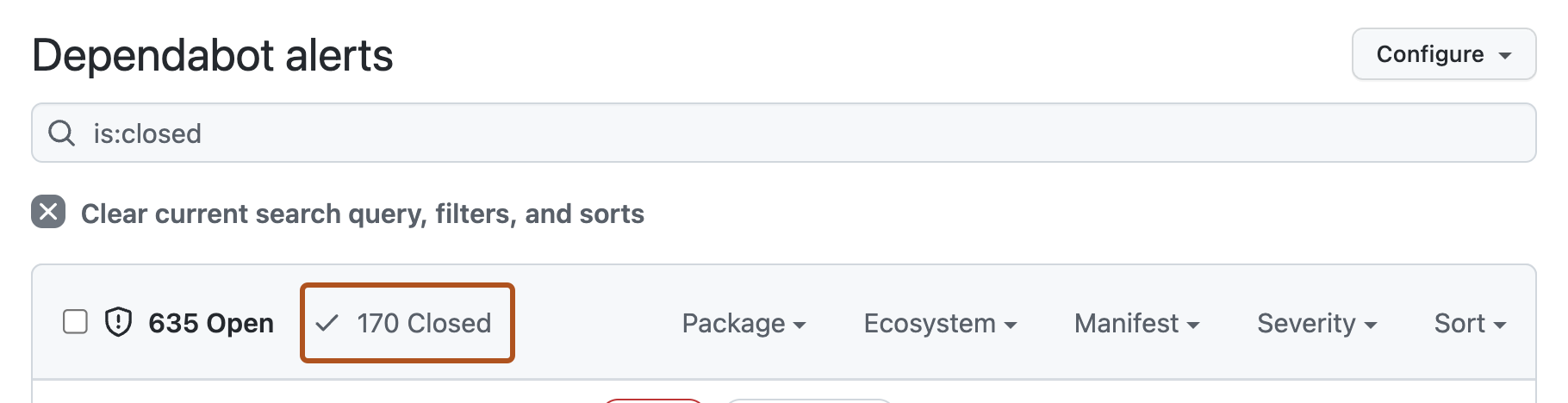
To filter to see all closed alerts, click Closed. Alternatively, use the is:closed filter query in the search bar.
To see all auto-dismissed alerts, select Closed as, then in the dropdown menu, click Auto-dismissed.
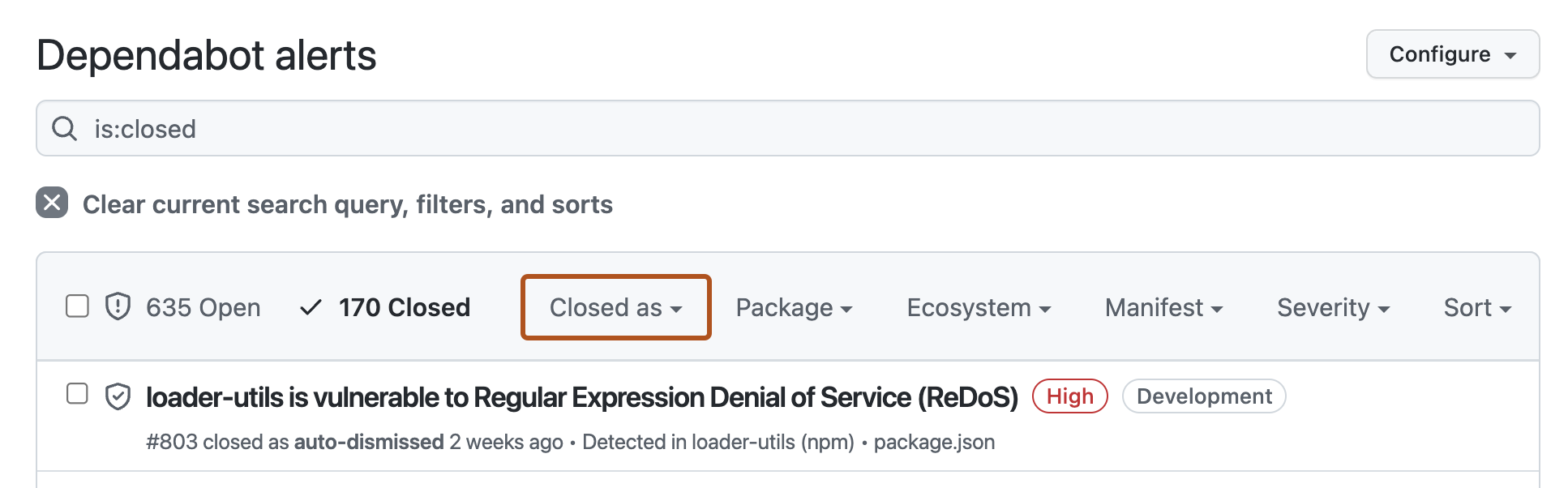
To reopen an auto-dismissed alert, to the left of the alert title, click the checkbox adjacent to the alert, then click Reopen.
