You can configure how secret scanning notifies you about secret scanning alerts, and audit how your team responds to these alerts.
When secret scanning detects a potential secret leak in your repository, staying informed about these alerts is crucial for maintaining your code's security. GitHub provides multiple notification channels to ensure you and your team are promptly alerted when secrets are found. You can customize how and when you receive these notifications based on your role and preferences.
You can also audit responses to secret scanning alerts to track how your team manages security issues and maintain compliance with your organization's security policies.
Configuring notifications for secret scanning alerts
In addition to displaying an alert in the Security and quality tab of the repository, GitHub can also send email notifications for alerts. These notifications are different for incremental scans and historical scans.
Incremental scans
When a new secret is detected, GitHub notifies all users with access to security alerts for the repository according to their notification preferences. These users include:
Repository administrators
Security managers
Users with custom roles with read/write access
Organization owners and enterprise owners, if they are administrators of repositories where secrets were leaked
Note
Commit authors who've accidentally committed secrets will be notified, regardless of their notification preferences.
You will receive an email notification if:
You are watching the repository.
You have enabled notifications for "All Activity", or for custom "Security alerts" on the repository.
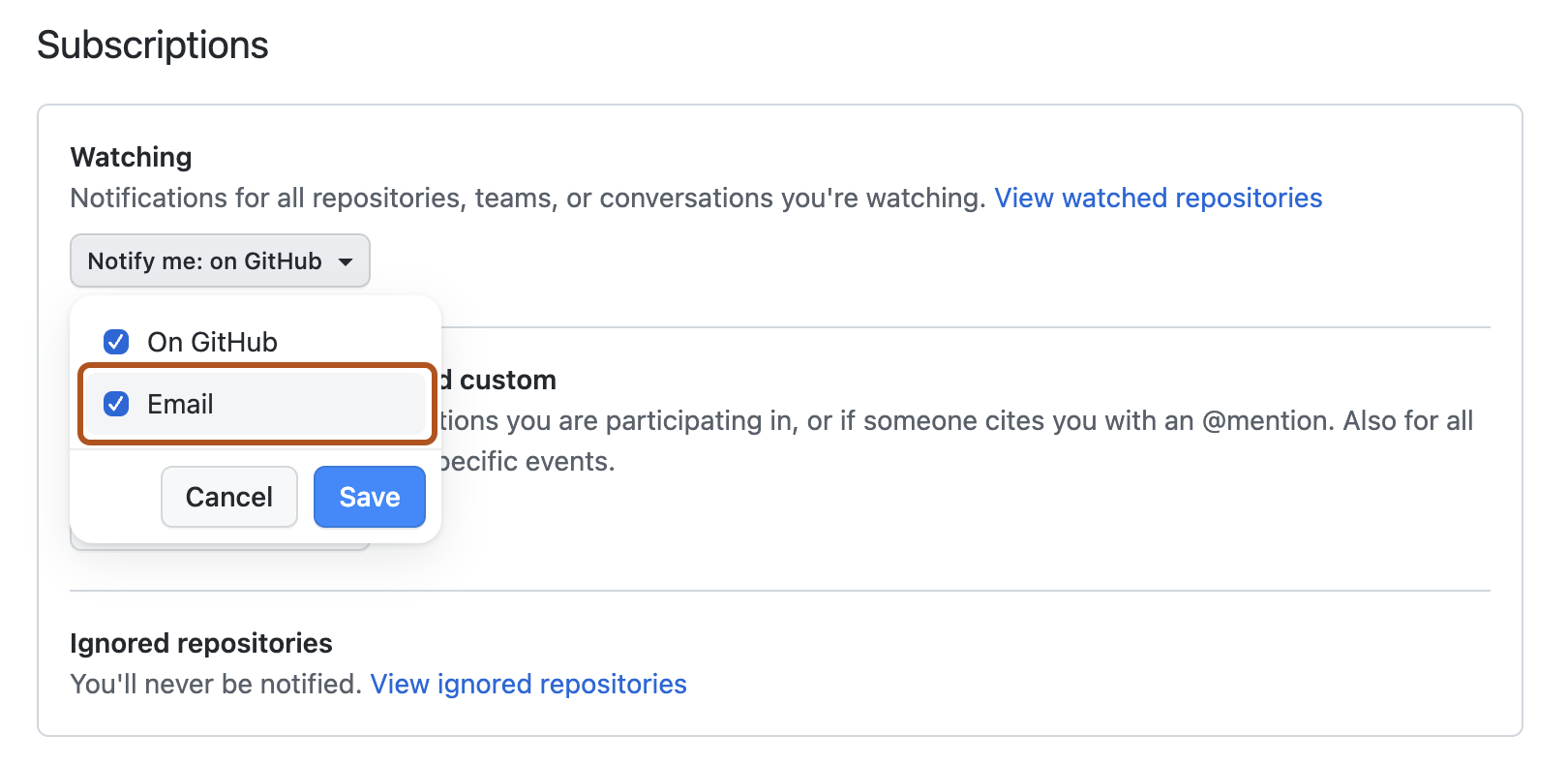
In your notification settings, under "Subscriptions", then under "Watching", you have selected to receive notifications by email.
In addition, you will receive a notification if someone assigns a code scanning or a secret scanning alert to you. See Assigning alerts.
On GitHub, navigate to the main page of the repository.
To start watching the repository, select Watch.
In the dropdown menu, click All Activity. Alternatively, to only subscribe to security alerts, click Custom, then click Security alerts.
For historical scans, GitHub notifies the following users:
Organization owners, enterprise owners, and security managers—whenever a historical scan is complete, even if no secrets are found.
Repository administrators, security managers, and users with custom roles with read/write access—whenever a historical scan detects a secret, and according to their notification preferences.