Optimize how you receive notifications about Dependabot alerts.
By default, GitHub sends notifications about new alerts by email to people with write, maintain, or admin permissions to a repository. See Dependabot alerts.
Configuring notifications for Dependabot alerts
You can configure notification settings for yourself or your organization from the Manage notifications drop-down shown at the top of each page. For more information, see Configuring notifications.
You can choose to receive notifications:
In your inbox, as web notifications. A web notification is sent when Dependabot is enabled for a repository, when a new manifest file is committed to the repository, and when a new vulnerability with a critical or high severity is found (On GitHub option).
By email. An email is sent when Dependabot is enabled for a repository, when a new manifest file is committed to the repository, and when a new vulnerability with a critical or high severity is found (Email option).
On the command line. Warnings are displayed as callbacks when you push to repositories with any insecure dependencies (CLI option).
The email and web/GitHub Mobile notifications are:
Per repository when Dependabot is enabled on the repository, or when a new manifest file is committed to the repository.
Per organization when a new vulnerability is discovered.
Sent when a new vulnerability is discovered. GitHub doesn't send notifications when vulnerabilities are updated.
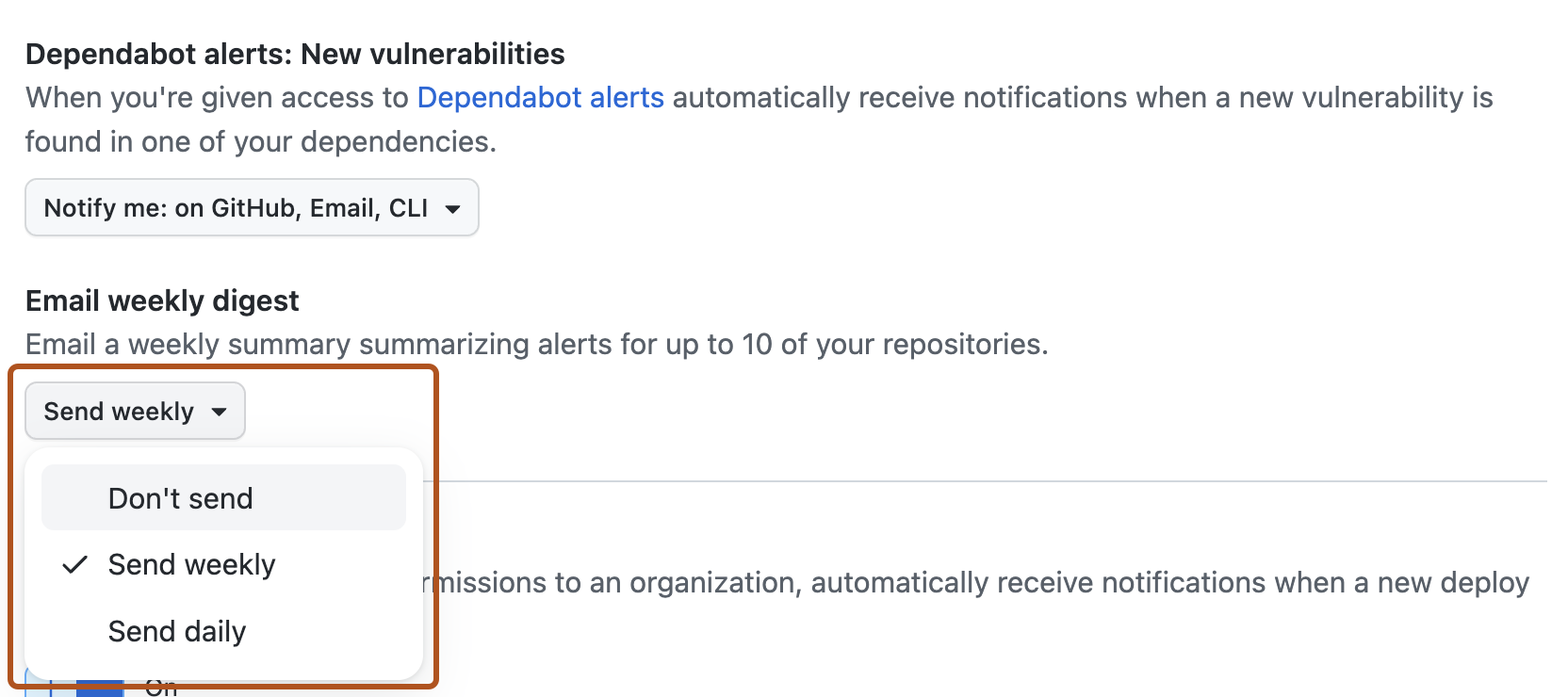
You can customize the way you are notified about Dependabot alerts. For example, you can receive a daily or weekly digest email summarizing alerts for up to 10 of your repositories using the Email weekly digest option.
Note
You can filter your notifications on GitHub to show Dependabot alerts. For more information, see Inbox filters.
Email notifications for Dependabot alerts that affect one or more repositories include the X-GitHub-Severity header field. You can use the value of the X-GitHub-Severity header field to filter email notifications for Dependabot alerts. For more information, see Email notification headers.