On GitHub, navigate to the main page of the repository.
Under your repository name, click Settings. If you cannot see the "Settings" tab, select the dropdown menu, then click Settings.

In the "Security and quality" section of the sidebar, click Advanced Security.
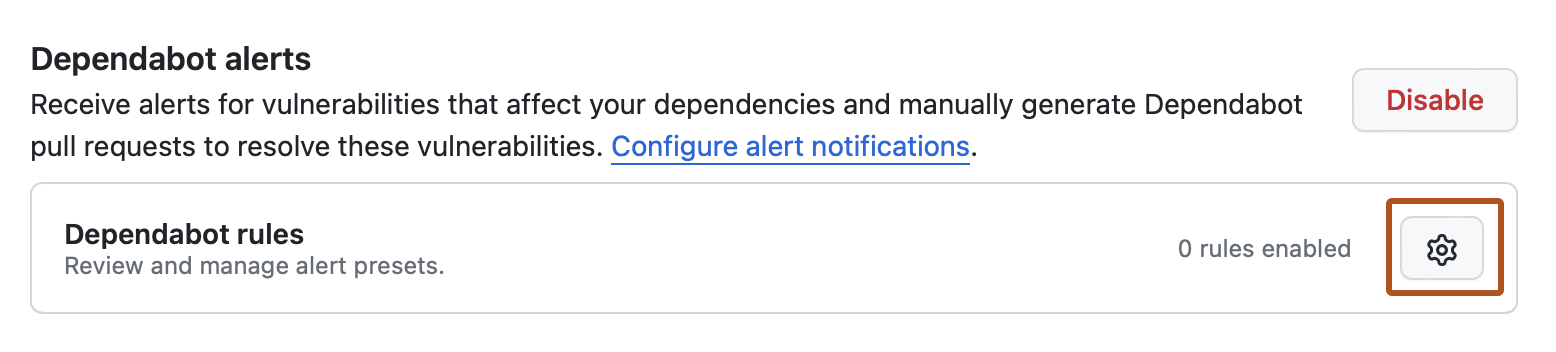
In the "Dependabot" section, to the right of "Dependabot rules", click .
In the "GitHub presets" section, to the right of the rule you want to enable, click .
In the "State" section, select the dropdown menu, then click Enabled.
Click Save rule.