Error: "GitHub Code Security or GitHub Advanced Security must be enabled for this repository to use code scanning"
If you see this error, make sure that GitHub Code Security is enabled.
About this error
GitHub Code Security or GitHub Advanced Security must be enabled for this repository to use code scanning
403: GitHub Code Security or GitHub Advanced Security is not enabled
This error is reported if you try to run code scanning in a repository where GitHub Code Security is not enabled or where use of this feature is blocked by a policy.
You will only see this error for repositories with private or internal visibility. GitHub Code Security is enabled by default for all public repositories.
If you are on a GitHub Free or GitHub Pro plan, you can only use code scanning on repositories that are publicly available. To enable code scanning for private or internal repositories, you must upgrade to GitHub Team or GitHub Enterprise with GitHub Code Security and enable Code Security for the repository. For more information, see GitHub's plans and About GitHub Advanced Security.
Confirming the cause of the error
On GitHub, navigate to the main page of the repository.
Under your repository name, click Settings. If you cannot see the "Settings" tab, select the dropdown menu, then click Settings.
In the "Security and quality" section of the sidebar, click Advanced Security.
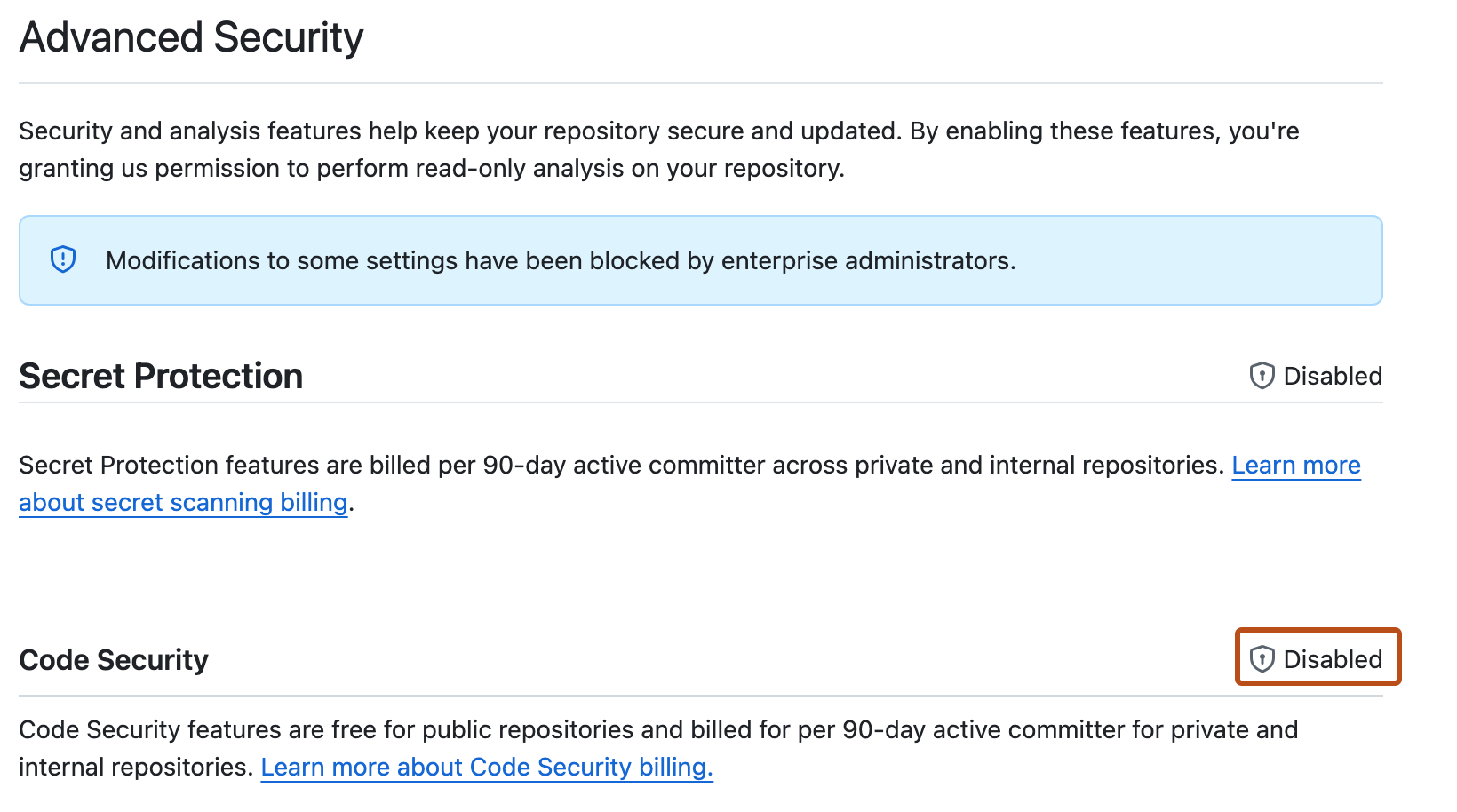
On the settings page, scroll down to "Code Security."
If there is an associated and active Enable button, GitHub Code Security is available for this repository but not yet enabled.
If use of GitHub Code Security is blocked by a policy, " Disabled" is shown in place of the Enable button.
Fixing the problem
If GitHub Code Security is available to your repository, you can enable it on the settings page.
If GitHub Code Security is blocked by a policy, you first need to request access.