Use Code Quality results to assess the maintainability and reliability of your codebase, so your teams can focus remediation where it matters most.
Alternatively, if you want to view AI-powered findings for the most recently changed files, see Fixing code quality findings in recently merged files.
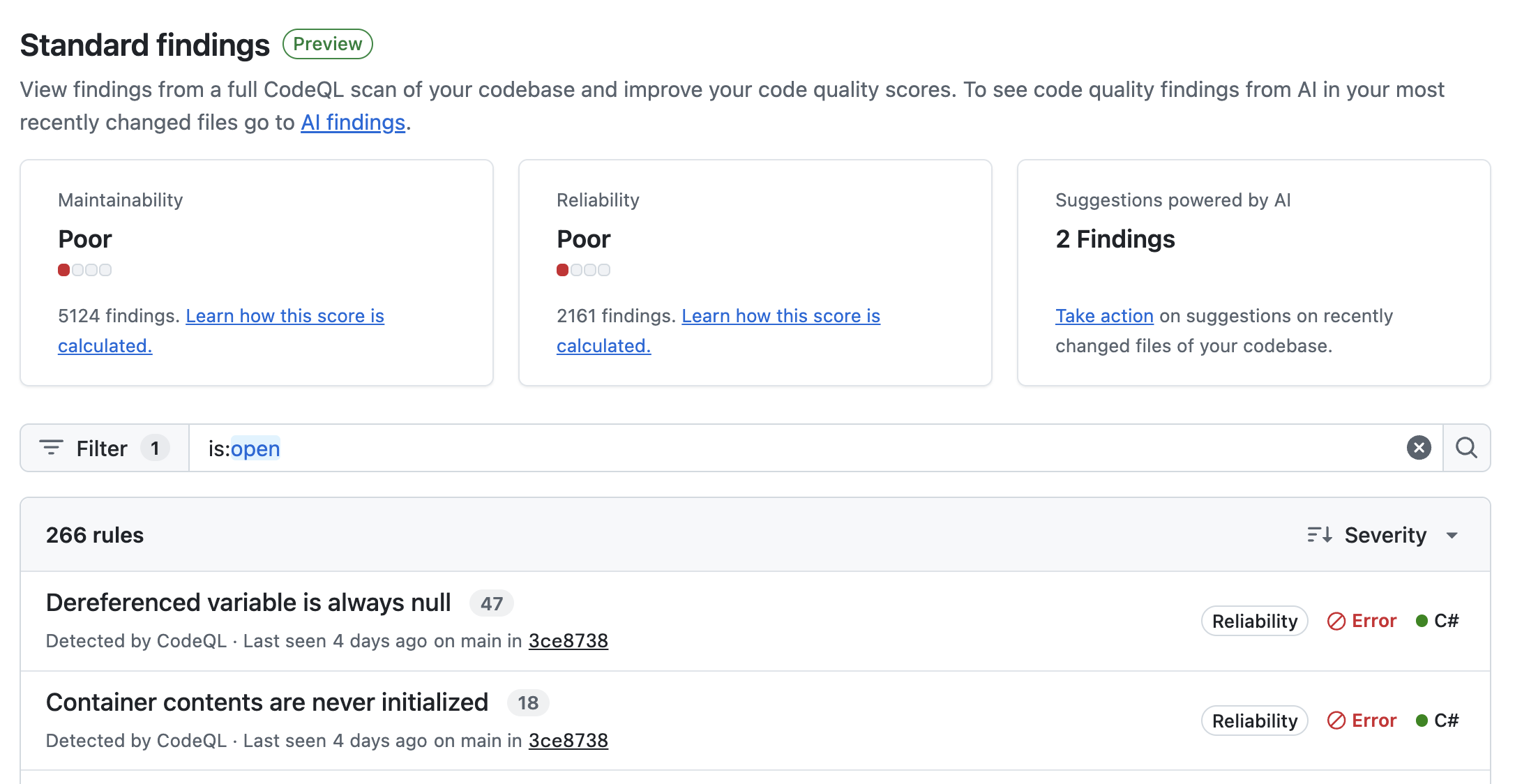
The "Standard findings" dashboard shows all the results found by CodeQL analysis on the default branch of your repository. This view helps you visualize the full backlog of quality results and prioritize work to fix specific types of problems.
The overview, at the top of the page, summarizes the maintainability and reliability of the codebase.
Underneath the overview, the full list of results is shown with a header with filters that you can use to focus on a specific set of findings. The results are:
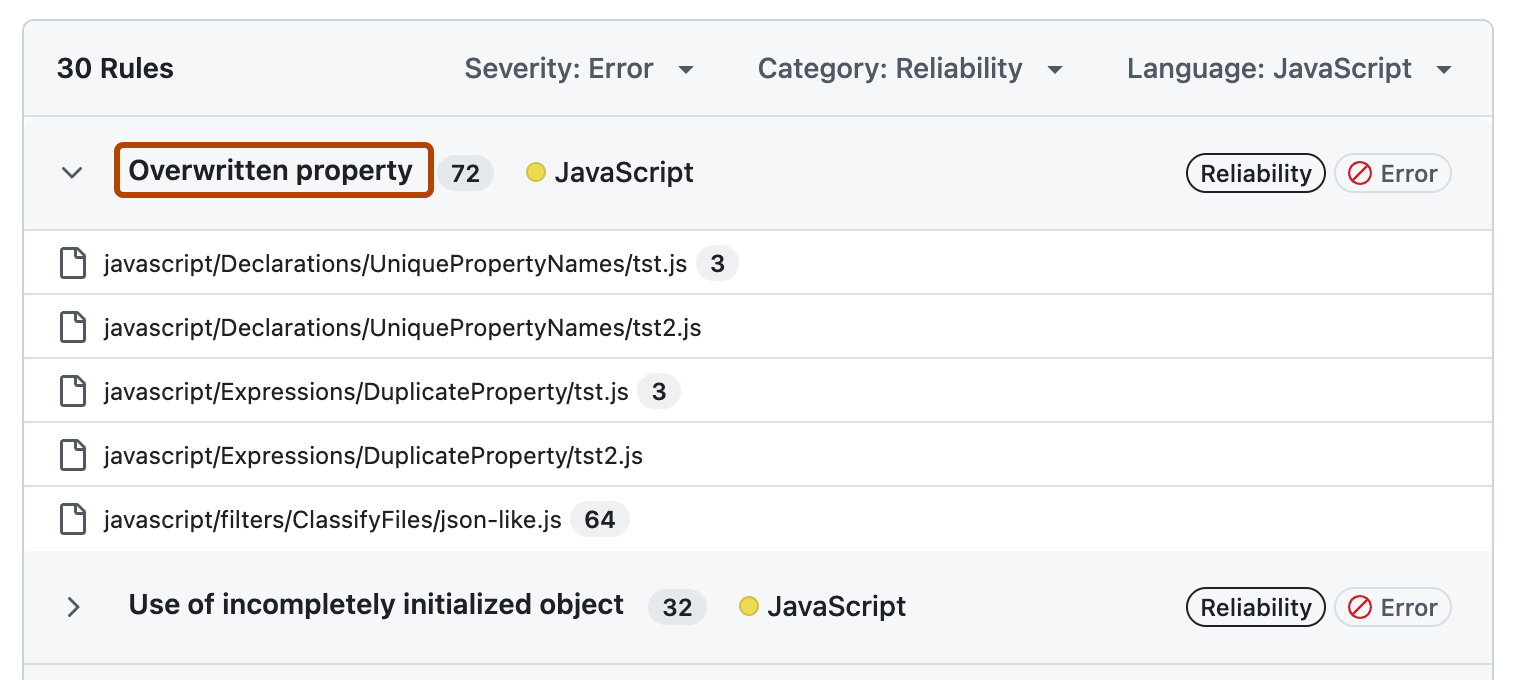
Explore the results by expanding a rule to list the affected files and clicking on the name of a rule to see full details of the findings.
Code quality results should always be interpreted in the context of your repository. For example:
To learn more about the metrics and how the scores are calculated, see Metrics and scores reference.